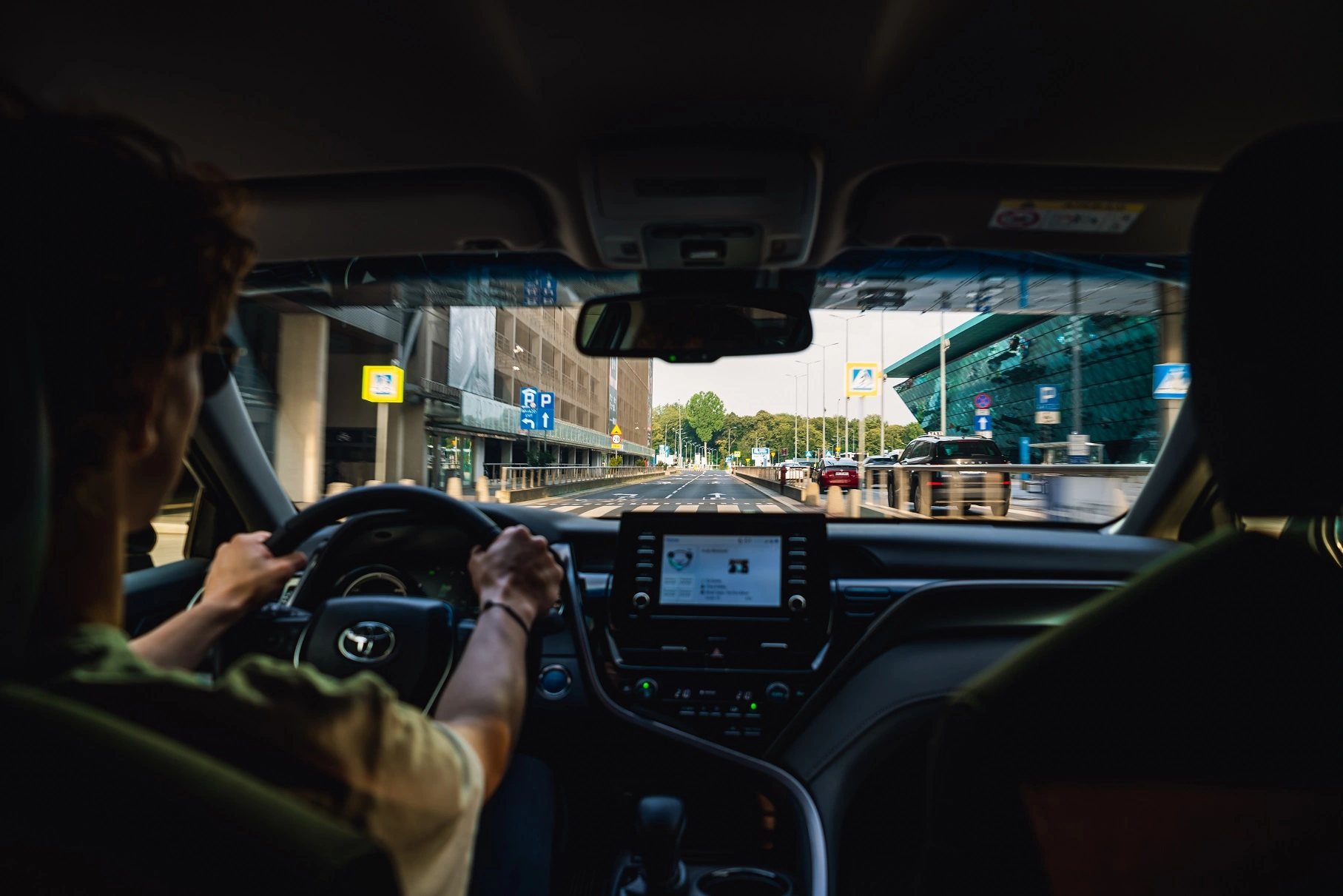
The Uber Driver app is used to manage availability, trip requests, navigation and account information. The features shown can depend on your city, account and app version.
Install and sign in
Install Uber Driver from Google Play or the App Store. Sign in with the account used during onboarding. Before you can accept trips, Uber must review the required documents. See the registration guide.
Check your account before going online
Review any outstanding document requests, the selected vehicle and the service options available to your account. Keep the app updated and check permissions for location and mobile data. Use a safe phone mount and do not operate the phone while driving.
Trips, earnings and payouts
The app shows trip and earnings information for your account. Payout options, timing and any fees depend on the current Uber and partner arrangements. Check the live details in your account and settlement agreement. Uber's earnings guide explains why amounts vary.
If you cannot go online
Check account notifications and document status first. Then verify internet access, location permissions and app updates. For an account restriction, use the support route shown in the app; do not assume that reinstalling it will change the review outcome.
Need help with onboarding?
Describe your city, car and document status. We can help identify the next step in the registration process.
Updated 7 October 2026. Feature availability, payout terms and account rules should be checked in the current app.